Portfolio: Make Every Image Belong
When a creative director flips through a portfolio, jarring jumps in white balance, contrast curves, or aspect ratios break trust faster than a subtle makeup flaw. Restrained colour correction and thoughtful pacing turn individual shoots into a unified body of work.
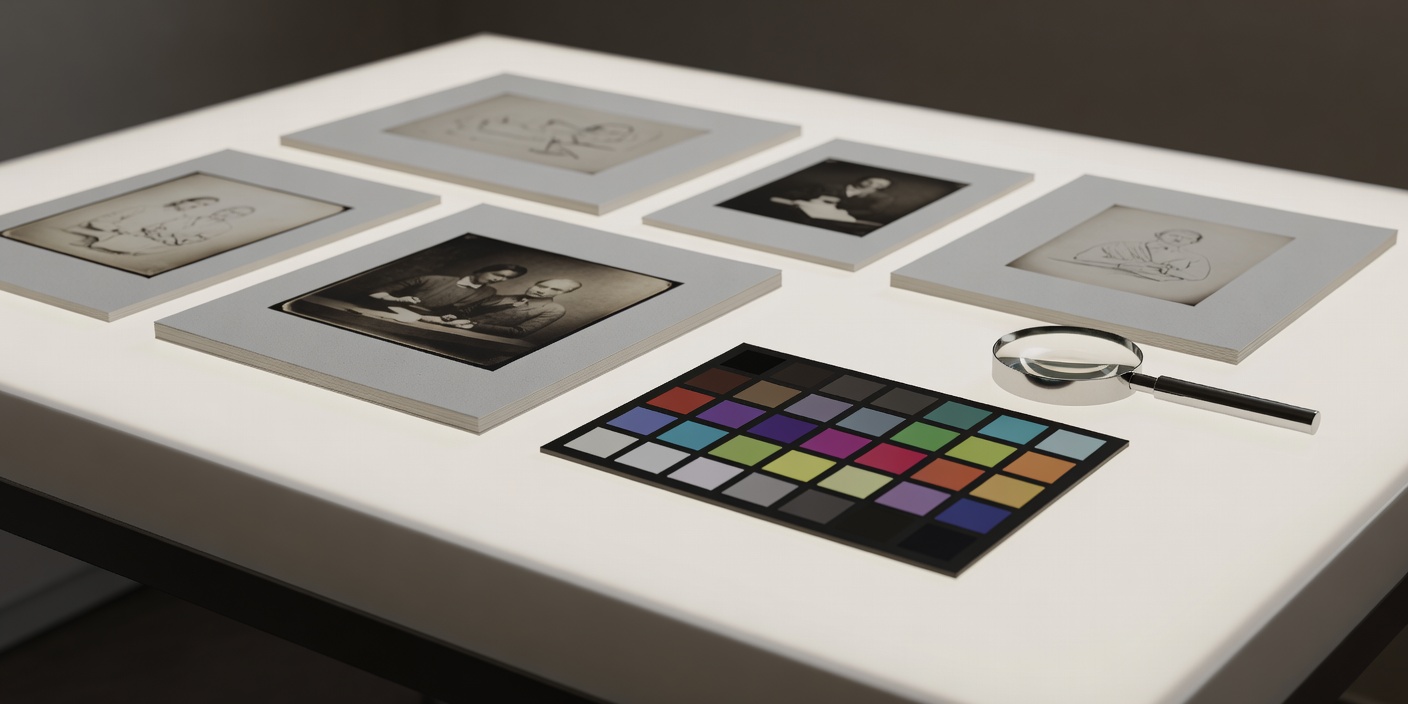
The Five-Step Colour Correction Workflow
Always capture in uncompressed or lossless RAW (`.CR3`, `.NEF`, `.ARW`, or Apple ProRAW `.DNG`) with camera portrait enhancers, beauty filters, and auto white balance switched off.
-
Apply a Neutral Camera Profile First
Default " Camera Standard" or "Vivid" profiles boost contrast and twist red hues toward orange to make holiday landscapes pop. In your RAW developer, switch the base profile to "Camera Neutral", "ProStandard" (in Capture One), or a custom X-Rite/Calibrite ColorChecker DNG profile built for your specific studio lamp.
-
Lock White Balance From Your Grey Card Frame
Open the reference shot where the model holds a matte 18% grey target at cheek height. Click the white balance eyedropper on the grey patch, verify that the RGB readout sits balanced (for example, R:122 G:122 B:122), and copy that exact Kelvin/Tint value across every frame from that look.
-
Set Exposure by the Cheekbone Midtone, Not the Backdrop
Using the histogram and Luma readout, make sure the lit forehead and upper cheek sit comfortably between 60% and 72% brightness for fair-to-medium skin, or 38% to 55% for rich deep complexions, while preserving specular highlight detail below 94% so shimmer never clips to pure paper white.
-
Guard Undertones Across the Fitzpatrick Spectrum
Digital sensors sometimes exaggerate magenta in very fair cool complexions when capillary flush shows through translucent skin, or pull golden-olive complexions slightly green in shadow transition zones. Use the targeted Skin Tone Uniformity tab (or HSL Hue/Saturation sliders at ±4 maximum) only to match what your eyes saw in the studio mirror—never to standardize different models toward a single beige tone.
-
Export in sRGB IEC61966-2.1 for Web and Print Proofing
Even if you edit on a wide-gamut P3 monitor, always embed the standard `sRGB IEC61966-2.1` profile when exporting JPEGs for web carousels, PDF decks, or agency galleries so red lipsticks do not turn dull brown on non-colour-managed browsers.
Sequencing Your Book: The 16-Frame Architecture
Instead of grouping all bridal looks on page one and all editorial looks on page two, sequence your portfolio in four-frame visual chapters. Standardize your crop ratios—for instance, 4:5 vertical for portraits and 1:1 or 4:5 for close-ups and flat lays—so page layouts never jitter.
Luminous Skin & Architectural Brows
Lead with your cleanest skin work. Nothing builds immediate credibility with photographers and booking agents like unretouched, glowing complexion mastery across diverse skin tones.
Controlled Colour & Lip Precision
Introduce saturated lip work paired with a tight macro crop showing crisp vermilion borders and a quiet product-free textile flat lay that bridges the colour transition.
Dimensional Eye & Texture Contrast
Showcase smoky blending, metallic foil placement, or graphic liner supported by three-quarter angles and downward gaze macro frames.
Signature Editorial Closing
Close with your boldest conceptual texture or high-contrast lighting study, leaving a memorable final impression without overwhelming the opening skin proof.